Your Nibu Subscription Guide
Everything you need to know about managing your Nibu subscription, including how to skip, pause, swap products or cancel your subscription at any time.
At Nibu, our subscriptions are designed to make staying consistent with your healthy ageing routine as simple as possible.
You're always in control. Whether you need to change your next delivery date, update your products or take a break, you can manage your subscription in just a few clicks.
Why Subscribe?
A Nibu subscription offers convenience, flexibility and savings, helping you stay stocked up on your favourite products without having to remember to reorder.
As a subscriber you'll enjoy:
- Save 10% on every subscription order.
- Automatic deliveries at your chosen frequency.
- The flexibility to pause, skip or cancel at any time.
- Secure online subscription management.
Access Your Subscription
Managing your subscription couldn't be easier.
Simply:
- Log in to your Nibu account.
- Click Manage Subscription.
- View all of your active subscriptions.
- Make any changes whenever you need.
What Can I Change?
Your subscription is fully flexible.
You can:
- Skip your next order.
- Pause your subscription.
- Change your delivery frequency.
- Bring your next order forward.
- Delay your next order.
- Swap products.
- Update your delivery address.
- Change your payment method.
- Cancel your subscription whenever you choose.
There are no long-term commitments.
How to Skip a Delivery
Going on holiday or still have plenty left?
Simply log into your account, select your subscription and choose Skip Next Order.
Your following delivery will continue as normal.
How to Pause Your Subscription
Need a short break?
Choose Pause Subscription within your account.
When you're ready, simply reactivate it and your deliveries will continue.
How to Change Your Delivery Schedule
Everyone's routine is different.
If you need your products more or less frequently, you can change your delivery schedule at any time.
Choose the frequency that works best for you directly from your subscription dashboard.
How to Swap Products
Want to try something new?
You can replace products within your subscription without creating a new one.
For example, you might decide to:
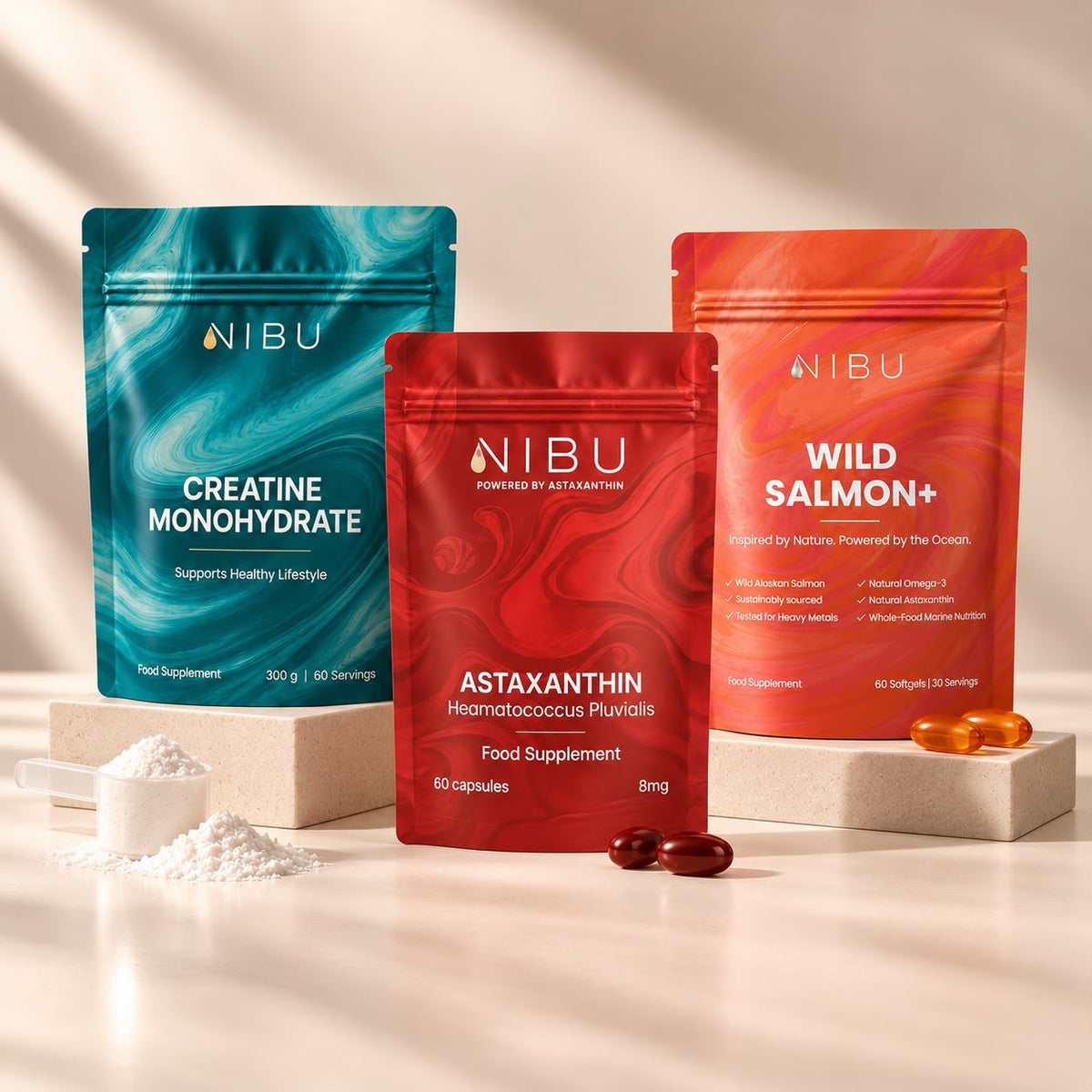
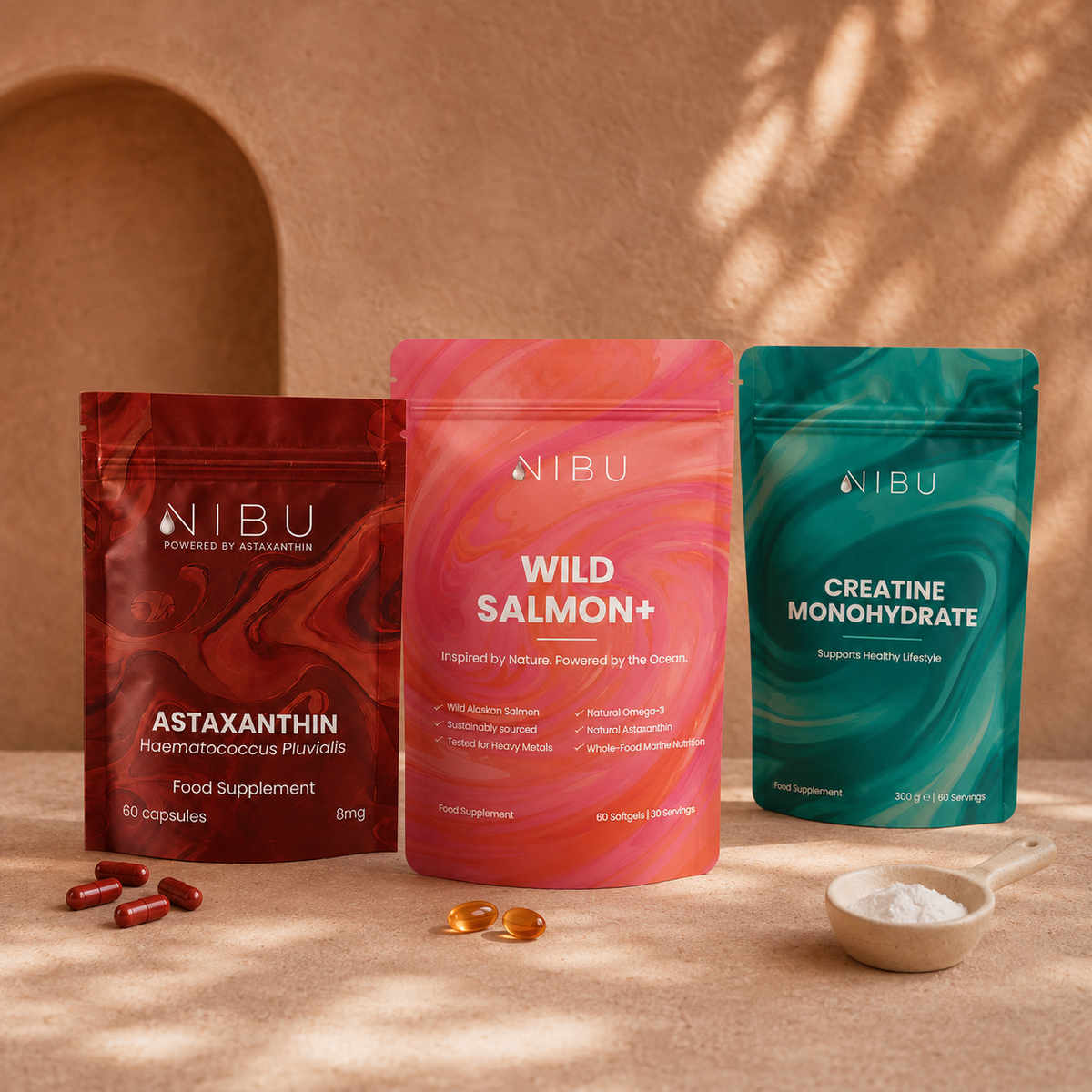
- switch from Creatine Monohydrate to Wild Salmon+
- add Astaxanthin to your routine
- update your subscription as your goals change
Frequently Asked Questions
Is there a minimum subscription period?
No. There is no minimum commitment and you can cancel whenever you choose.
Can I cancel my subscription?
Yes. Your subscription can be cancelled at any time from your account dashboard.
Can I skip a month?
Absolutely. Simply choose Skip Next Order within your subscription.
Can I change my payment card?
Yes. Your payment details can be updated securely from your subscription dashboard.
Can I change my delivery address?
Yes. You can update your delivery address before your next order is processed.
Will I receive a reminder before my subscription renews?
Yes. You'll receive an email before your next subscription order is processed, giving you time to make any changes if needed.
What happens if my payment fails?
We'll notify you by email and give you the opportunity to update your payment details before your next order is processed.
Need Help?
If you need any assistance managing your subscription, our customer support team is always happy to help.

Read more

How to Choose the Right Astaxanthin Glow Shade for Your Skin Tone
Not sure which Nibu Glow shade is right for you? Discover the difference between Natural, Darker and Deeper, learn whether a Glow Serum or Glow Moisturiser is best for your skin, and build your per...
Read more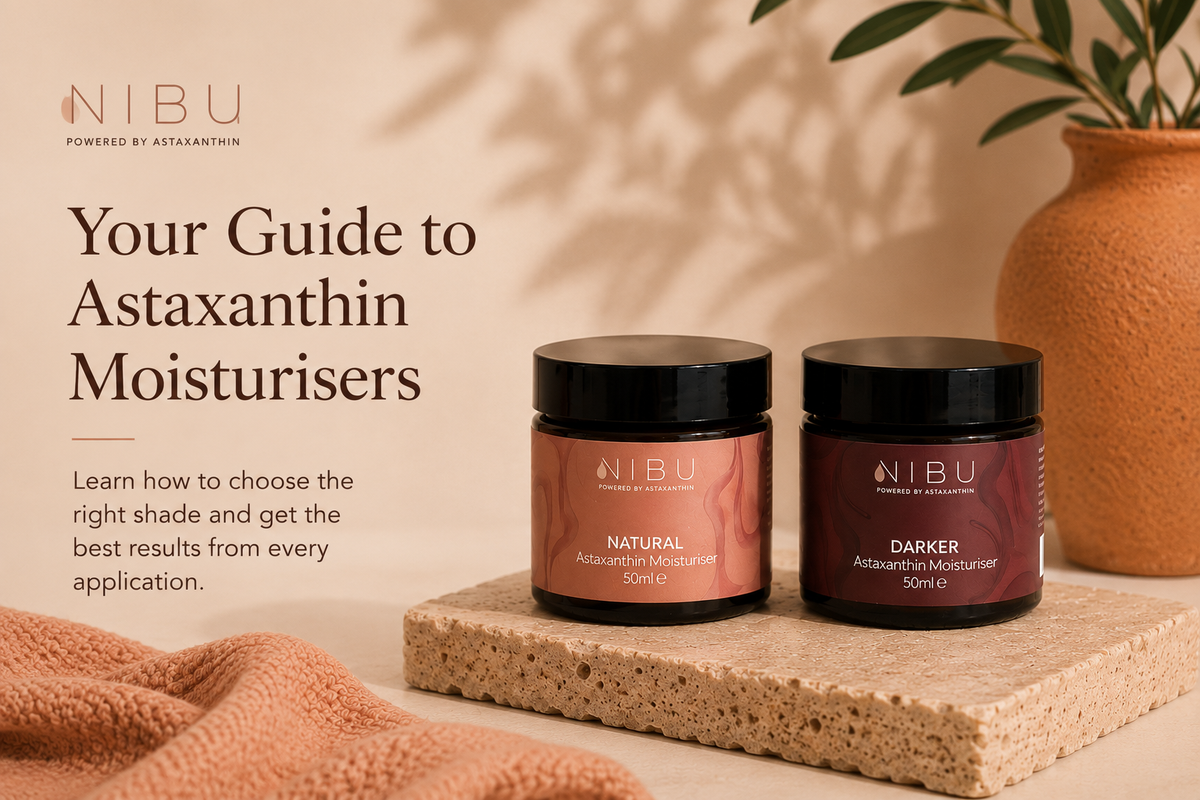
How to Choose Your Astaxanthin Moisturiser
Learn how to choose the right moisturiser for your skin tone and get the best results from every application. Healthy skin starts with consistent hydration. Our Astaxanthin Moisturisers are designe...
Read moreShop
Best Sellers